
1. Set up a Transfer Template
Payroll > Definitions > Transfer Template
Add a transfer template for i-Connect.

Filename describes where you would like the output file created and what you would like it called i.e. the folder and filename.
2. Define the Pension Provider Groups
Payroll > Definitions > Pensions > Provider Groups
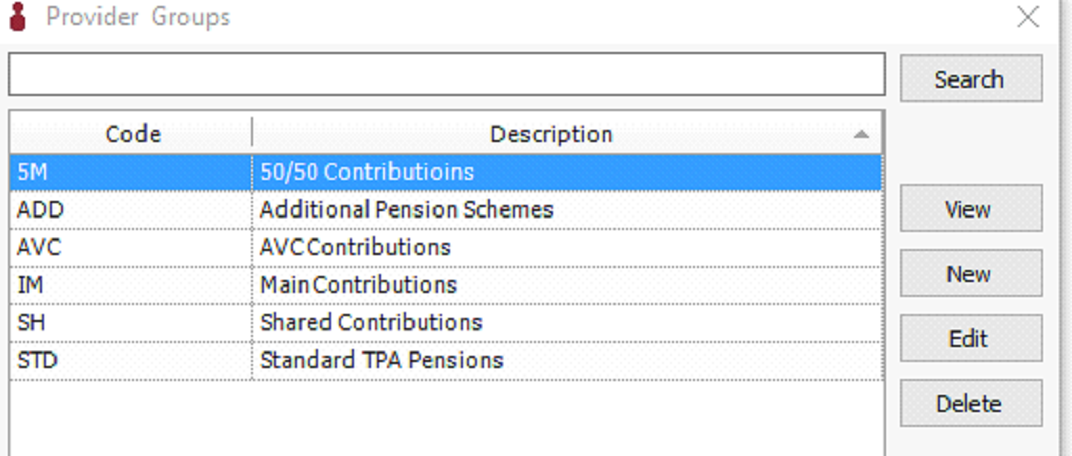
Define the provider groups required by i-Connect. (You may also have other provider groups unrelated to i-Connect).
3. Map the Pension Provider Groups to the i-Connect Groups
Payroll > Definitions > Pensions > i-Connect Integration
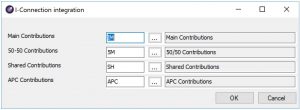
Define which of the provider groups you set up in 2. maps to the headings/groups required by i-Connect.
4. Add the Provider Group to the Pension Scheme
Payroll > Definitions > Pensions > Pension Scheme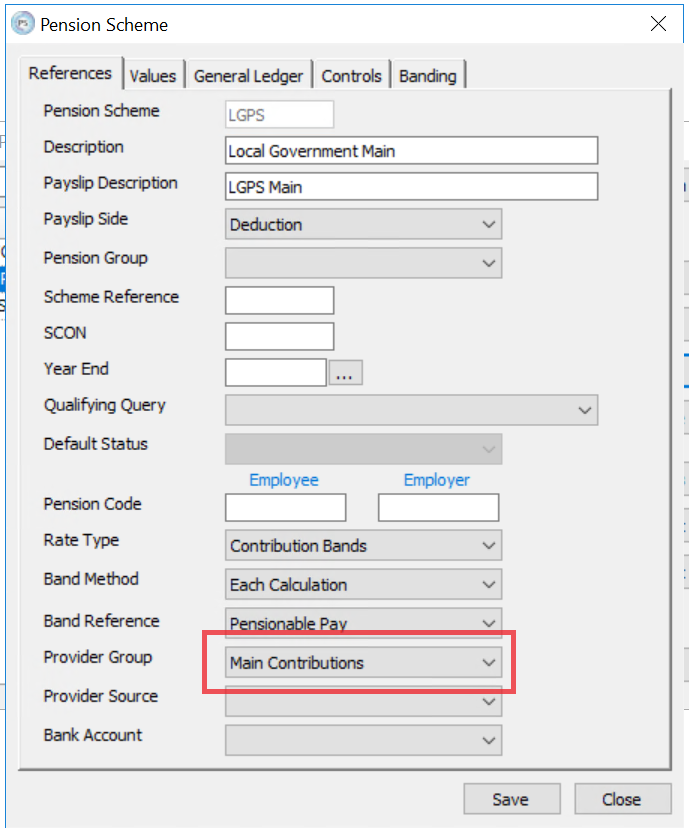
Select the correct Provider Group for each scheme from the drop down and Save the Pension Scheme.