Attach Documents to the Vacancy
Attach any number of supporting documents to give further clarification to the Vacancy.
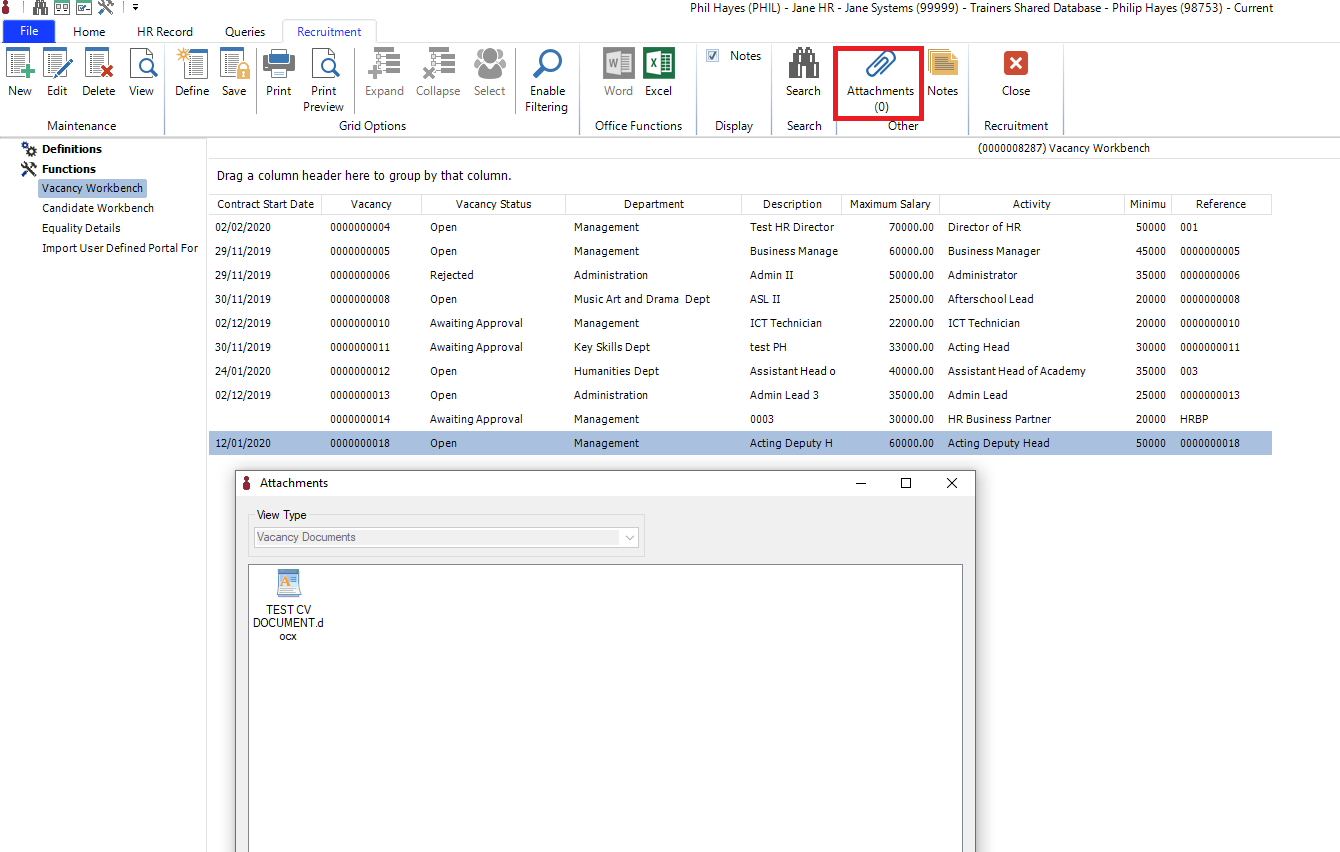
To attach a document to the Vacancy on the I Frame:
From the Vacancy Workbench, Select the Paperclip Attachment from the toolbar to import the desired document from your local machine.
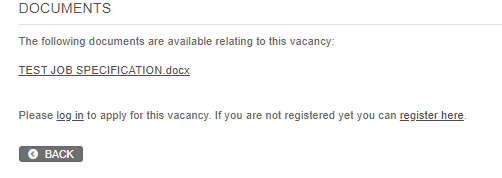
Re-fresh the I Frame and the document will be present on the Vacancy.