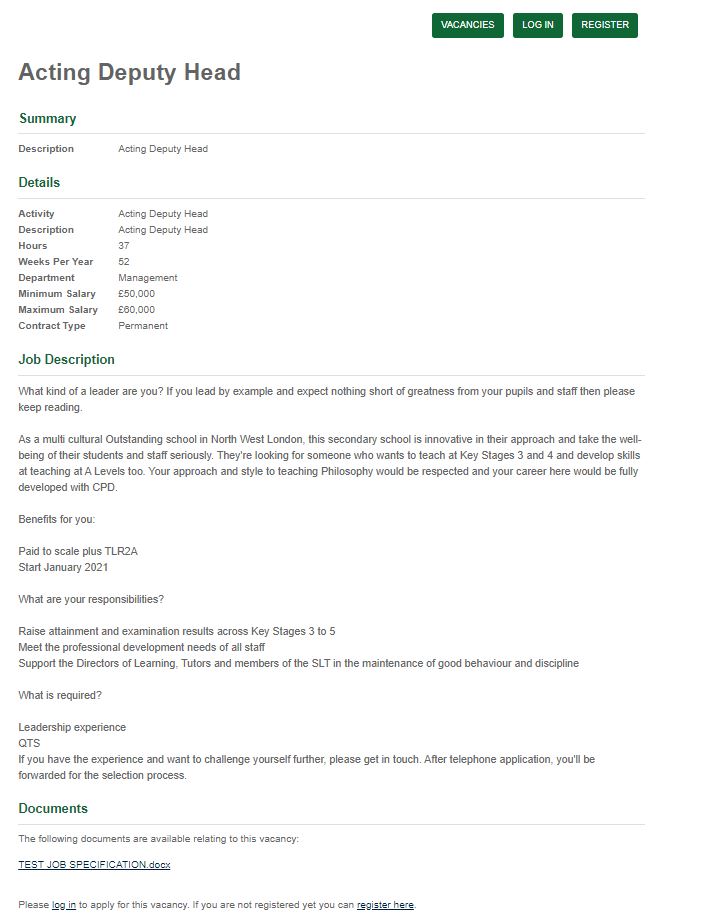
I Frame Vacancy Summary & Details
The candidate can find out more about the Vacancy by clicking Read More. This opens further details relating to the Vacancy.
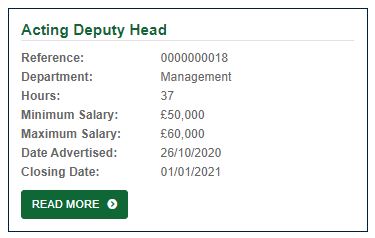
Note that the fields displayed can be changed on the I Frame, see section “Changing I Frame Content” for instructions.
Vacancy Summary & Details
In the below example, we have included default settings such as the Activity, Hours Department etc. The fields displayed as below can be added, removed, or re-ordered upon request.